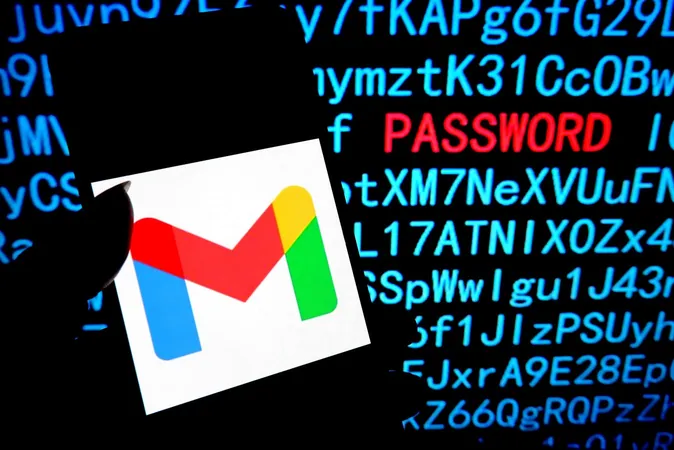
Gmail Hack Alert: You Have Just 7 Days to Secure Your Account!
2025-04-21
Author: Liam
Gmail Under Siege: What You Need to Know!
If you’re one of the over 3 billion users on Gmail, brace yourself! A new and dangerous phishing campaign has emerged, tricking users into believing that security alerts are coming directly from Google. This latest attack showcases not just the cunning of hackers but also the sophistication of their methods, which now include artificial intelligence and automatic password-hacking tools.
Time Is Running Out: 7 Days to Regain Control!
Here’s the shocking part: if you fall victim to this Gmail hack and find yourself locked out, you only have 7 days to recover your account. According to Google, you'll need to act swiftly after hackers change your password and recovery options.
A New Phishing Technique!
The hackers behind this attack are utilizing a complex strategy involving OAuth applications and a clever workaround to Google’s own security measures. This is alarming because it means they can impersonate Google seamlessly, leaving you vulnerable to their deceitful emails. However, there's a silver lining! Google is actively rolling out updated safeguards designed to combat this very threat.
Quick Recovery Steps After a Hack!
In case you experience this harrowing scenario, don’t panic! Google spokesperson Ross Richendrfer emphasizes that the key to successful account recovery lies in swift action. He strongly recommends utilizing phishing-resistant security options, including security keys or passkeys, right from the start.
Your Lifeline: Recovery Phone and Email!
If you get locked out, ensure you've set up a recovery phone number and email. Richendrfer explains that even if attackers change these settings after taking over your account, you still have a 7-day window to use the old details to gain back access. This means if you've updated your recovery phone or email, you might still receive sign-in codes at the previous addresses for a week.
Take Control: How to Update Your Recovery Options!
Changing your recovery details on Android is a breeze. Go to your device settings, tap on Google, select your name, and then navigate to the 'Manage your Google account' option. In the security section, you’ll find where you can add or modify your recovery phone and email. Just remember, you may have to sign in before making any changes!
Stay vigilant, act fast, and keep your Gmail account secure!



 Brasil (PT)
 Canada (EN)
 Chile (ES)
 Česko (CS)
 대한민국 (KO)
 España (ES)
 France (FR)
 Hong Kong (EN)
 Italia (IT)
 日本 (JA)
 Magyarország (HU)
 Norge (NO)
 Polska (PL)
 Schweiz (DE)
 Singapore (EN)
 Sverige (SV)
 Suomi (FI)
 Türkiye (TR)
 الإمارات العربية المتحدة (AR)